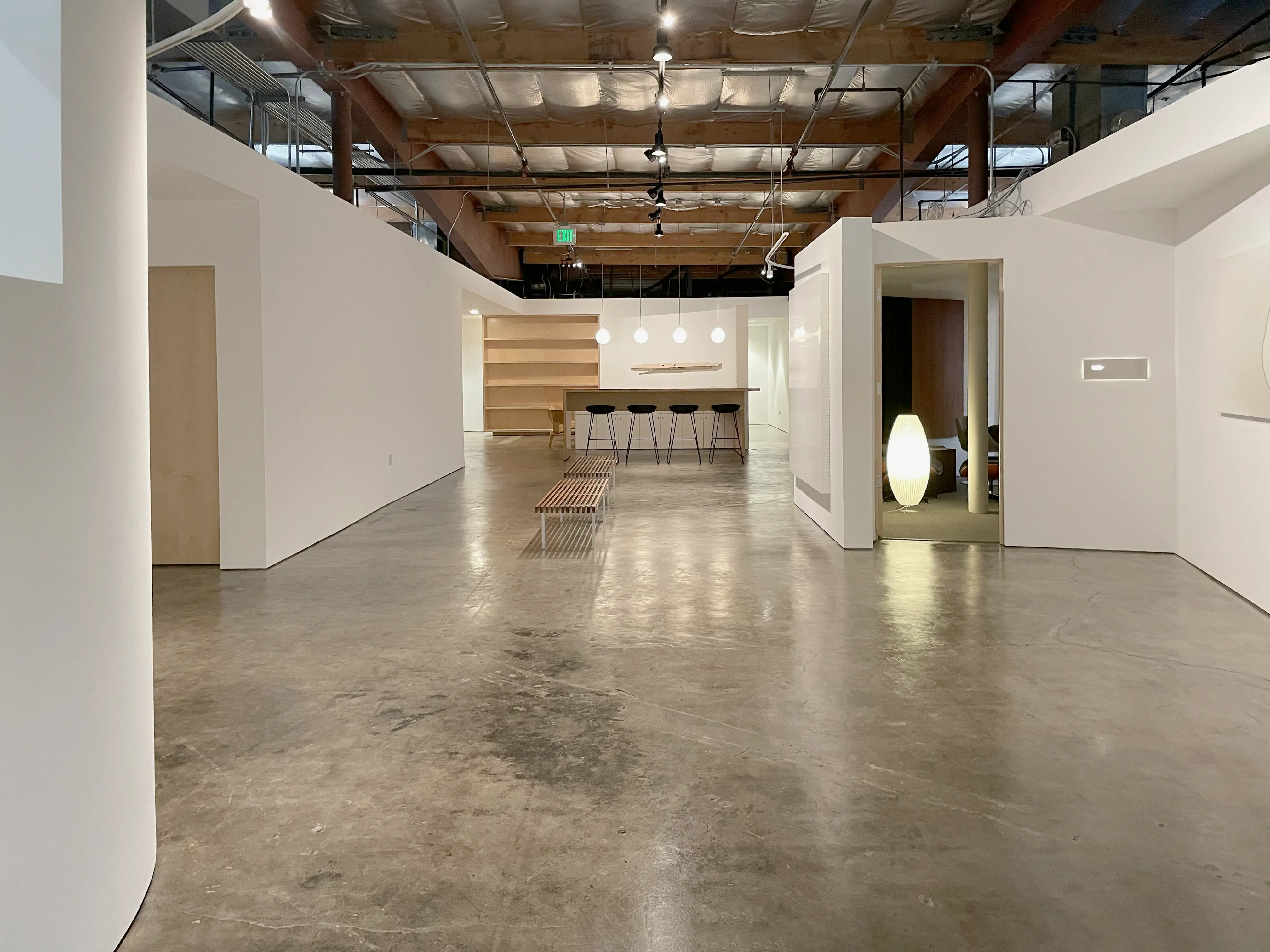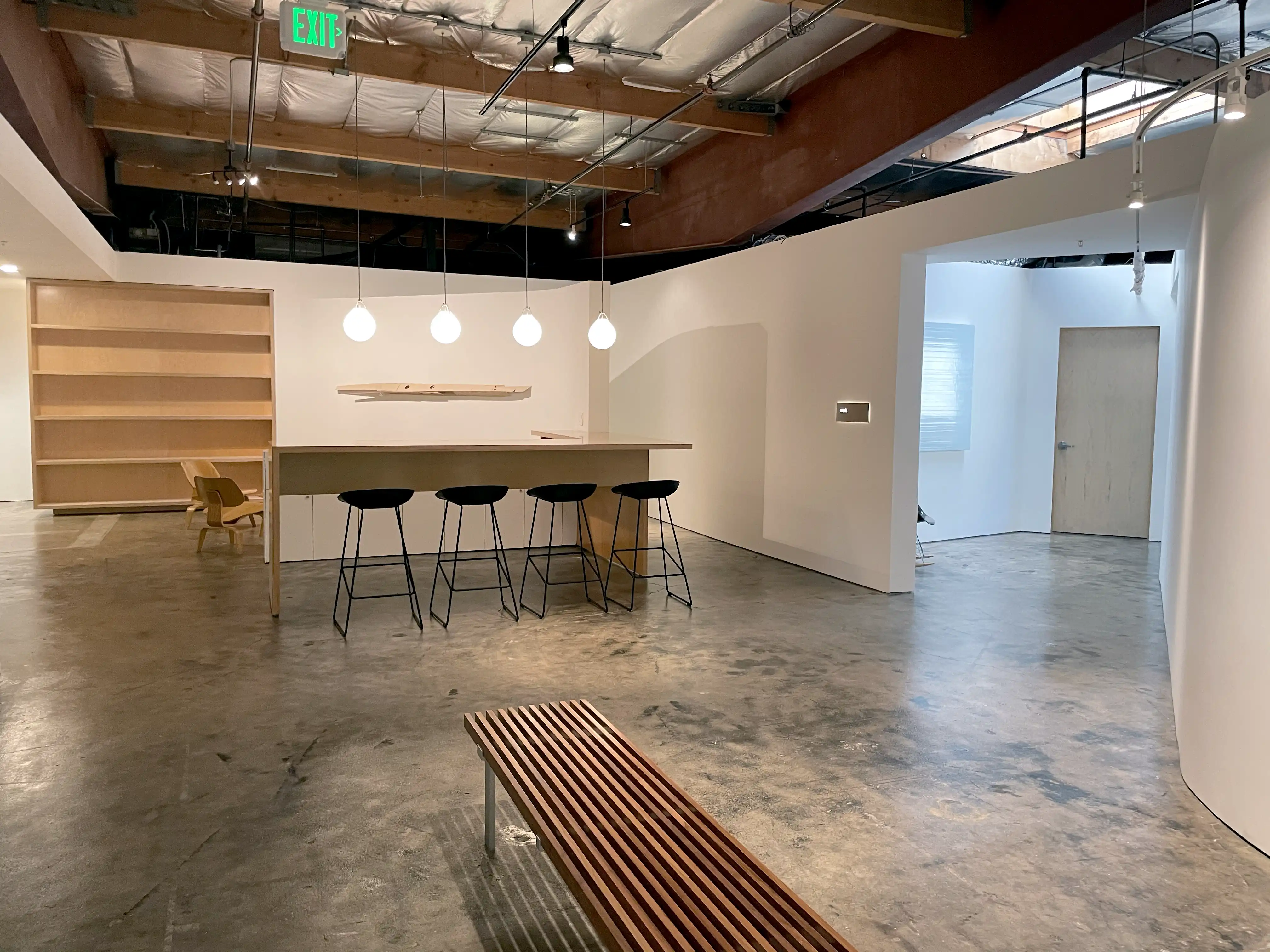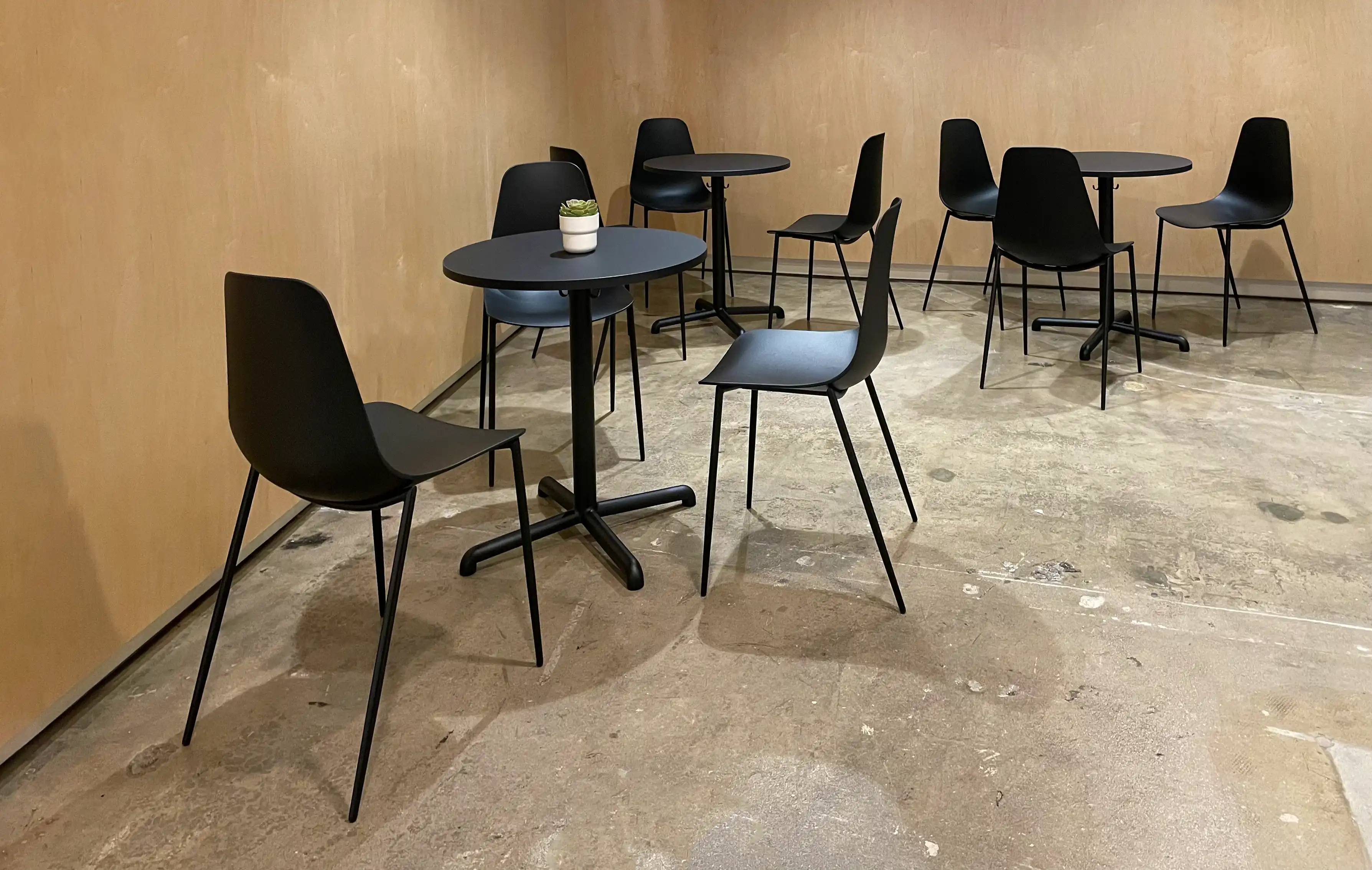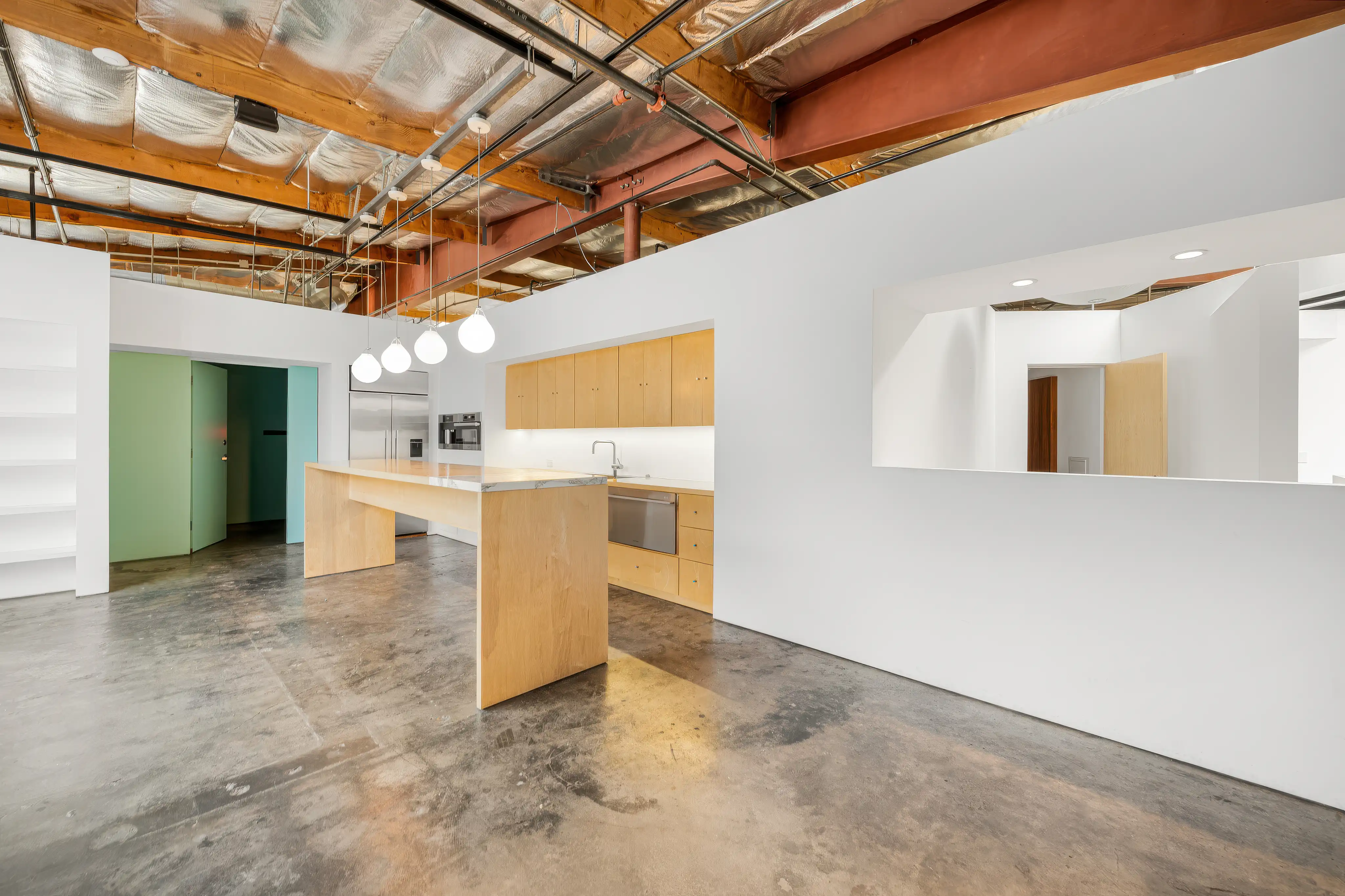
Opening January 2026 in Santa Monica   Keep me posted

We'll be back soon!

We are currently working on the back-end, our team is making the best to bring the site back in no time.

For $3,600, we will create a
customized music composition
of up to one minute that includes
a full buyout (complete rights ownership).

Our composition can be tailored
to accommodate up to three
different cuts/lengths to perfectly
fit your campaign. If vocals are
needed, contact us for a quote.

2

You will need:

• A computer
• USB microphone
• Headphones
• Google Chrome browser
• Internet service

3

Find a quiet place at home
with as little echo as possible.

There is no need to worry
about other background noise
as we have the technology
to take care of that.

4

MicTap will email you a link
with instructions on how to
set up the Chrome browser
and connect.

No special software is required.

5

We'll add all parties to the
session, and the client will
be able to supervise as usual.

6

MicTap will be recording
you at broadcast quality.

7

Contact us if you would
like help with your setup.

hello@mictap.com

EVA Player
EVA Encoder
The host must use the Chrome browser on Mac or PC.
We recommend use its latest version.

Minimum Mac and PC configurations tested

MacBook Pro
Processor: 2.4 GHz 8-Core Intel Core i9
Memory: 32 GB
Graphics: Intel UHD Graphics 630 1536 MB
macOS 11

HP 15 Laptop PC
Processor: Intel Core i7-1165G7
(up to 4.7 GHz, 12 MB L3 cache, 4 cores)
Memory: 8 GB DDR4-2666 SDRAM (2x4GB)
Graphics: Intel Iris Xe Graphics
Windows 11 Home 64 Plus

Video feeds

Mirror is specifically designed to operate at 1080p
Full HD for real-time streaming, recording, and playback.

While it is possible to feed higher resolutions such as 4K
to your computer, it’s best to avoid doing so. Higher
resolutions create larger files and slower upload times,
though real-time streaming will not be affected.

2

You will need:

• A computer
• USB microphone
• Headphones
• Google Chrome browser
• Internet service

3

Find a quiet place at home
with as little echo as possible.

There is no need to worry
about other background noise
as we have the technology
to take care of that.

4

MicTap will email you a link
with instructions on how to
set up the Chrome browser
and connect.

No special software is required.

5

We'll add all parties to the
session, and the client will
be able to supervise as usual.

6

MicTap will be recording
you at broadcast quality.

7

Contact us if you would
like help with your setup.

hello@mictap.com

iPhone / iPad Limitations

When playing back a take locally, the iPhone
may occasionally lower the volume randomly.

Takes in the Continuity tool, begin playback
from the start of the take rather than the
assigned "Cue."

Participants must tap "Tap to unmute" when
the Host plays back a recorded take.

2

You will need:

• A computer
• USB microphone
• Headphones
• Google Chrome browser
• Internet service

3

Find a quiet place at home
with as little echo as possible.

There is no need to worry
about other background noise
as we have the technology
to take care of that.

4

MicTap will email you a link
with instructions on how to
set up the Chrome browser
and connect.

No special software is required.

5

We'll add all parties to the
session, and the client will
be able to supervise as usual.

6

MicTap will be recording
you at broadcast quality.

7

Contact us if you would
like help with your setup.

hello@mictap.com

Start free trial

2

You will need:

• A computer
• USB microphone
• Headphones
• Google Chrome browser
• Internet service

3

Find a quiet place at home
with as little echo as possible.

There is no need to worry
about other background noise
as we have the technology
to take care of that.

4

MicTap will email you a link
with instructions on how to
set up the Chrome browser
and connect.

No special software is required.

5

We'll add all parties to the
session, and the client will
be able to supervise as usual.

6

MicTap will be recording
you at broadcast quality.

7

Contact us if you would
like help with your setup.

hello@mictap.com

2

You will need:

• A computer
• USB microphone
• Headphones
• Google Chrome browser
• Internet service

3

Find a quiet place at home
with as little echo as possible.

There is no need to worry
about other background noise
as we have the technology
to take care of that.

4

MicTap will email you a link
with instructions on how to
set up the Chrome browser
and connect.

No special software is required.

5

We'll add all parties to the
session, and the client will
be able to supervise as usual.

6

MicTap will be recording
you at broadcast quality.

7

Contact us if you would
like help with your setup.

hello@mictap.com

2

You will need:

• A computer
• USB microphone
• Headphones
• Google Chrome browser
• Internet service

3

Find a quiet place at home
with as little echo as possible.

There is no need to worry
about other background noise
as we have the technology
to take care of that.

4

MicTap will email you a link
with instructions on how to
set up the Chrome browser
and connect.

No special software is required.

5

We'll add all parties to the
session, and the client will
be able to supervise as usual.

6

MicTap will be recording
you at broadcast quality.

7

Contact us if you would
like help with your setup.

hello@mictap.com

2

You will need:

• A computer
• USB microphone
• Headphones
• Google Chrome browser
• Internet service

3

Find a quiet place at home
with as little echo as possible.

There is no need to worry
about other background noise
as we have the technology
to take care of that.

4

MicTap will email you a link
with instructions on how to
set up the Chrome browser
and connect.

No special software is required.

5

We'll add all parties to the
session, and the client will
be able to supervise as usual.

6

MicTap will be recording
you at broadcast quality.

7

Contact us if you would
like help with your setup.

hello@mictap.com

2

You will need:

• A computer
• USB microphone
• Headphones
• Google Chrome browser
• Internet service

3

Find a quiet place at home
with as little echo as possible.

There is no need to worry
about other background noise
as we have the technology
to take care of that.

4

MicTap will email you a link
with instructions on how to
set up the Chrome browser
and connect.

No special software is required.

5

We'll add all parties to the
session, and the client will
be able to supervise as usual.

6

MicTap will be recording
you at broadcast quality.

7

Contact us if you would
like help with your setup.

hello@mictap.com

2

You will need:

• A computer
• USB microphone
• Headphones
• Google Chrome browser
• Internet service

3

Find a quiet place at home
with as little echo as possible.

There is no need to worry
about other background noise
as we have the technology
to take care of that.

4

MicTap will email you a link
with instructions on how to
set up the Chrome browser
and connect.

No special software is required.

5

We'll add all parties to the
session, and the client will
be able to supervise as usual.

6

MicTap will be recording
you at broadcast quality.

7

Contact us if you would
like help with your setup.

hello@mictap.com

Synced playback

Synced playback

Host

Playback

Try it out!

Play or jump in the transport to see it in action

Participants

Playback
Giulia
194.224.234.101
Playback
Jim
194.224.234.121
Playback
Jennifer
194.224.234.121
Playback
Mary
194.204.234.111
Playback
Alejandro
194.224.244.121
Playback
Kevin
194.224.234.122
iOS & Safari Support

iOS devices and the Safari browser are not
supported at this time. We know how important
these platforms are and truly want to support them.

We’ll be closely following Apple updates and
will add iOS and Safari compatibility as soon
as it becomes possible.

2

You will need:

• A computer
• USB microphone
• Headphones
• Google Chrome browser
• Internet service

3

Find a quiet place at home
with as little echo as possible.

There is no need to worry
about other background noise
as we have the technology
to take care of that.

4

MicTap will email you a link
with instructions on how to
set up the Chrome browser
and connect.

No special software is required.

5

We'll add all parties to the
session, and the client will
be able to supervise as usual.

6

MicTap will be recording
you at broadcast quality.

7

Contact us if you would
like help with your setup.

hello@mictap.com

MicTap Self-Tape

We envision this app as a new way for actors to record auditions:
Simple and collaborative.

Connect your camera to your computer and invite up to four people
into your session. Each guest joins with a clear role:

Reader – reads the lines in real time, with their voice recorded
alongside yours. Participant – a coach, agent, or friend, able to
watch, guide, and give feedback as you perform.

The actor stays in front of the camera, sharing the video instantly
with everyone connected. Readers’ voices blend seamlessly with
the actor’s performance, so each take feels natural and complete.

Built-in tools will let you:

• Balance audio levels between readers and actor.
• Review and edit your video takes.
• Send your finished audition directly to the designated email.

MicTap Self-Tape is coming soon—an audition experience
designed for today’s talent.

2

You will need:

• A computer
• USB microphone
• Headphones
• Google Chrome browser
• Internet service

3

Find a quiet place at home
with as little echo as possible.

There is no need to worry
about other background noise
as we have the technology
to take care of that.

4

MicTap will email you a link
with instructions on how to
set up the Chrome browser
and connect.

No special software is required.

5

We'll add all parties to the
session, and the client will
be able to supervise as usual.

6

MicTap will be recording
you at broadcast quality.

7

Contact us if you would
like help with your setup.

hello@mictap.com

Microphones:
Neumann U87 or TLM 103
and Sennheiser MK416

Interface:
SSL 2 MKII

Headphones:
AKG K72

2

You will need:

• A computer
• USB microphone
• Headphones
• Google Chrome browser
• Internet service

3

Find a quiet place at home
with as little echo as possible.

There is no need to worry
about other background noise
as we have the technology
to take care of that.

4

MicTap will email you a link
with instructions on how to
set up the Chrome browser
and connect.

No special software is required.

5

We'll add all parties to the
session, and the client will
be able to supervise as usual.

6

MicTap will be recording
you at broadcast quality.

7

Contact us if you would
like help with your setup.

hello@mictap.com

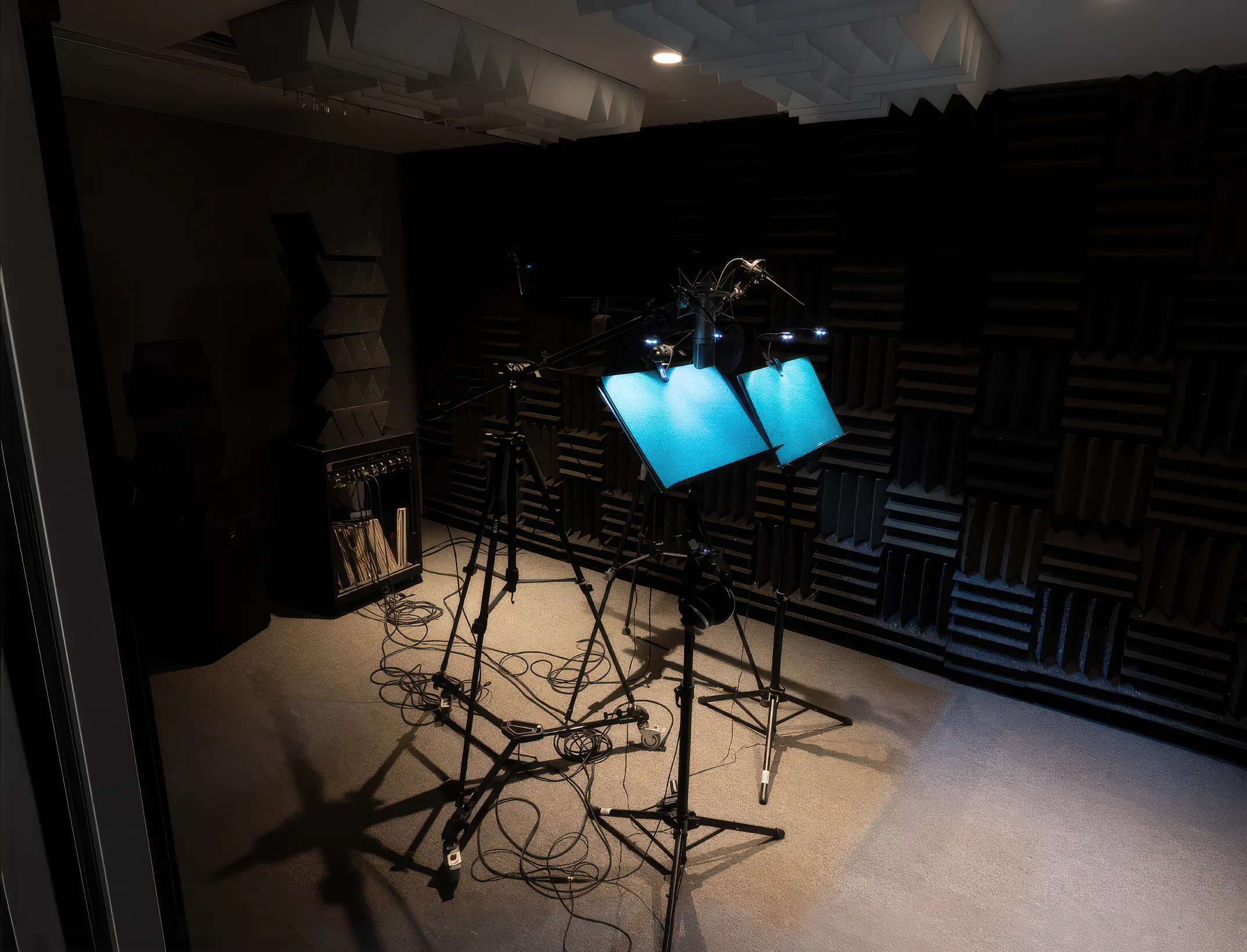
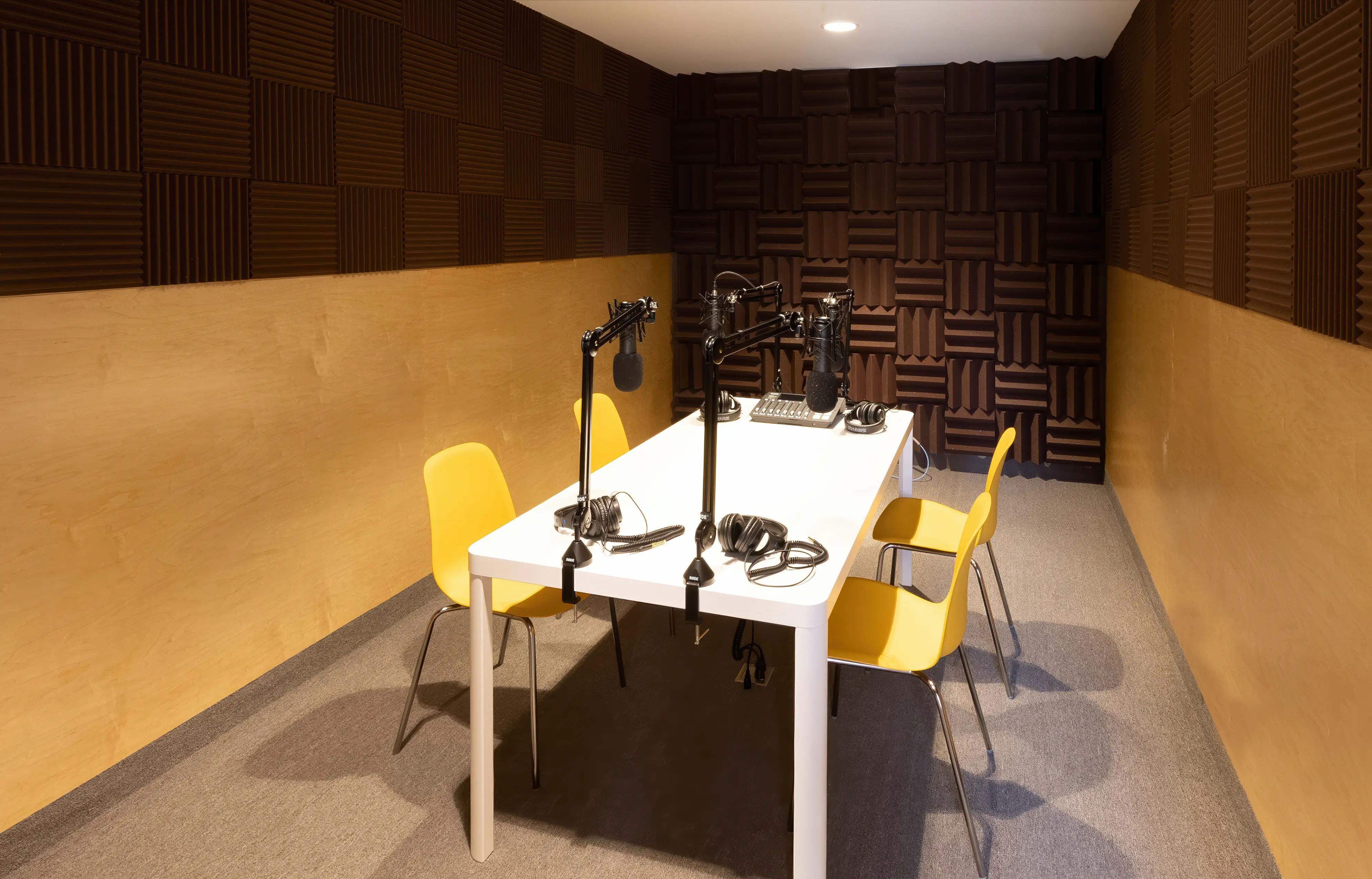
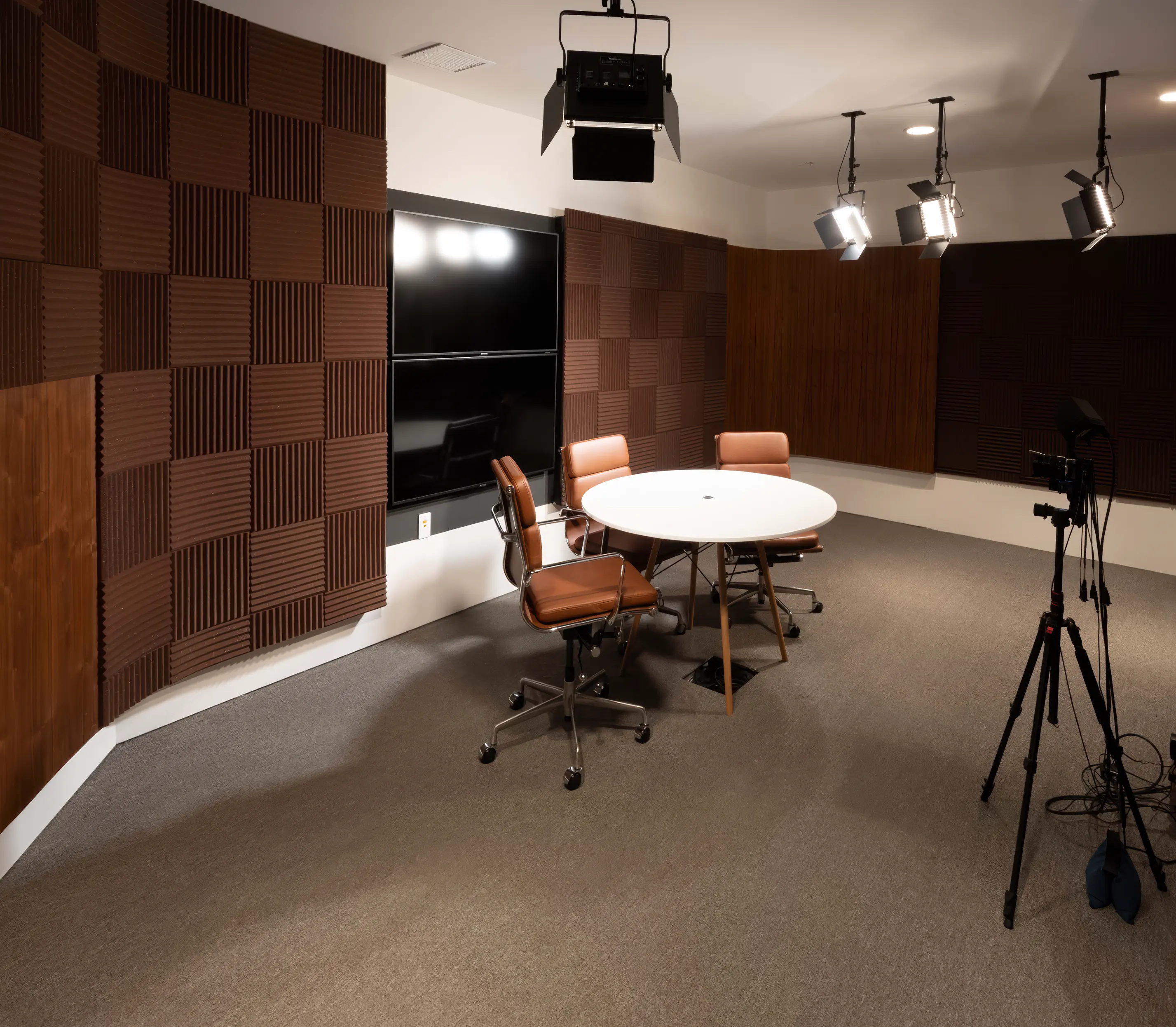
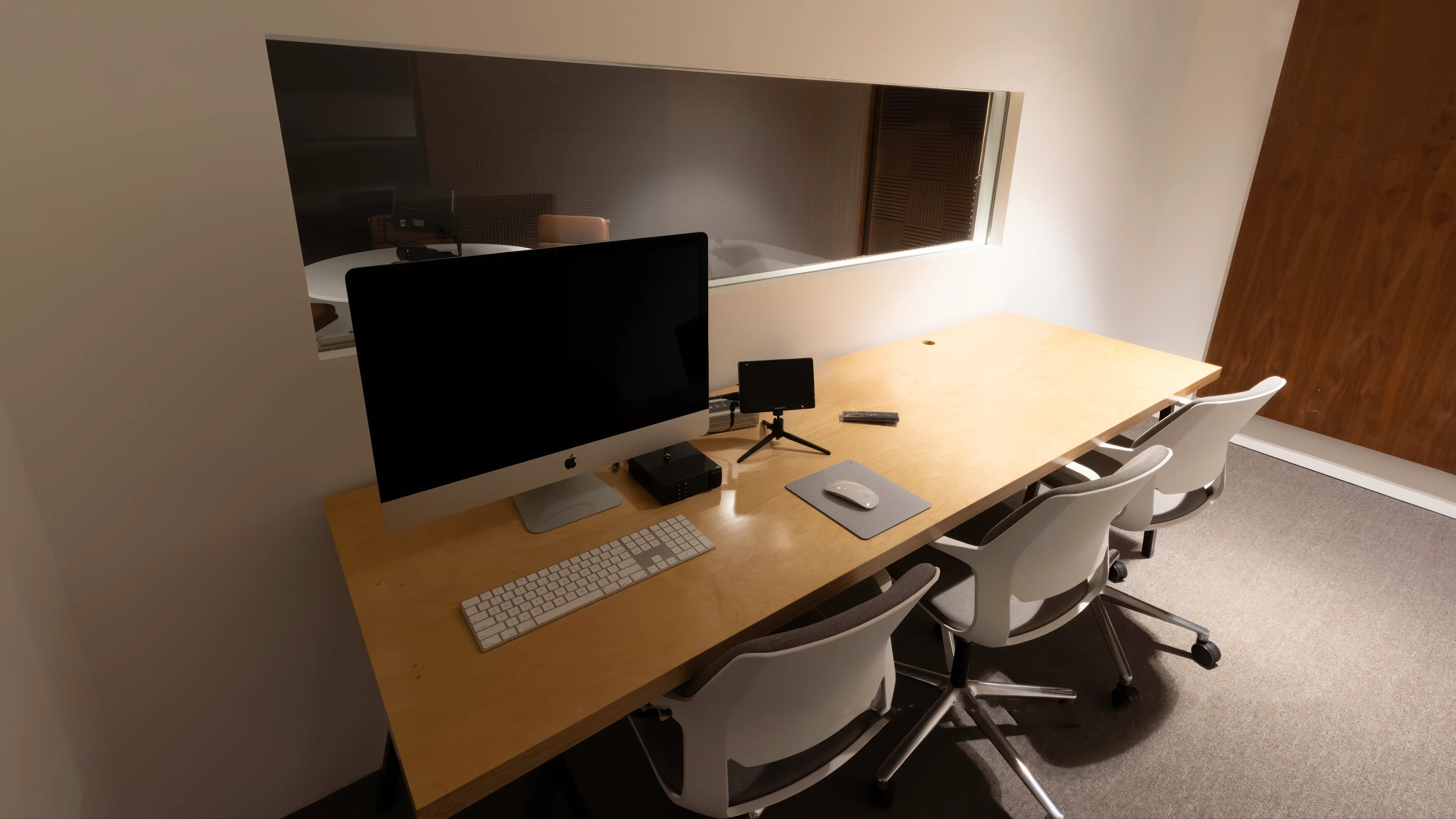
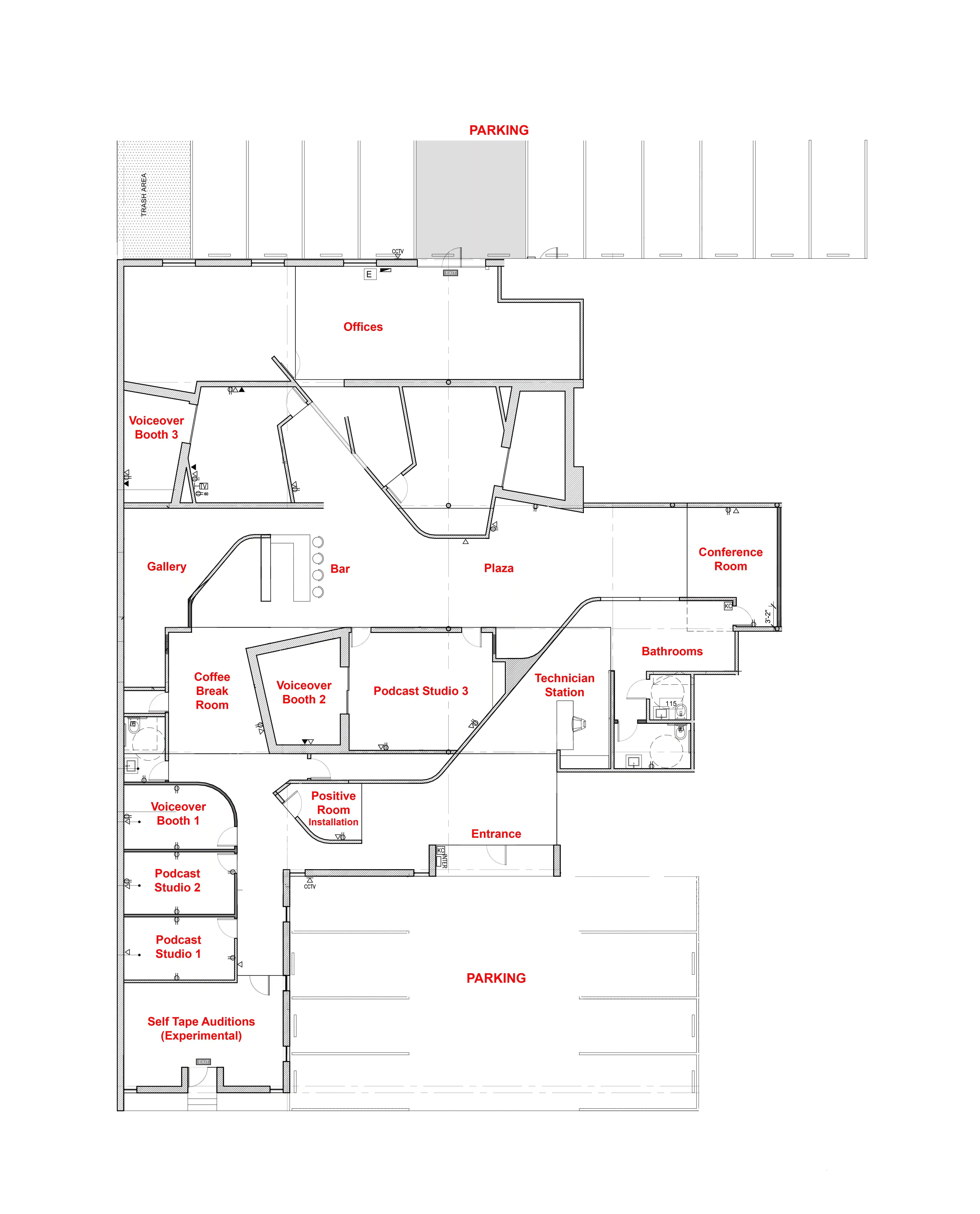
Podcast Studio 1 — The Table
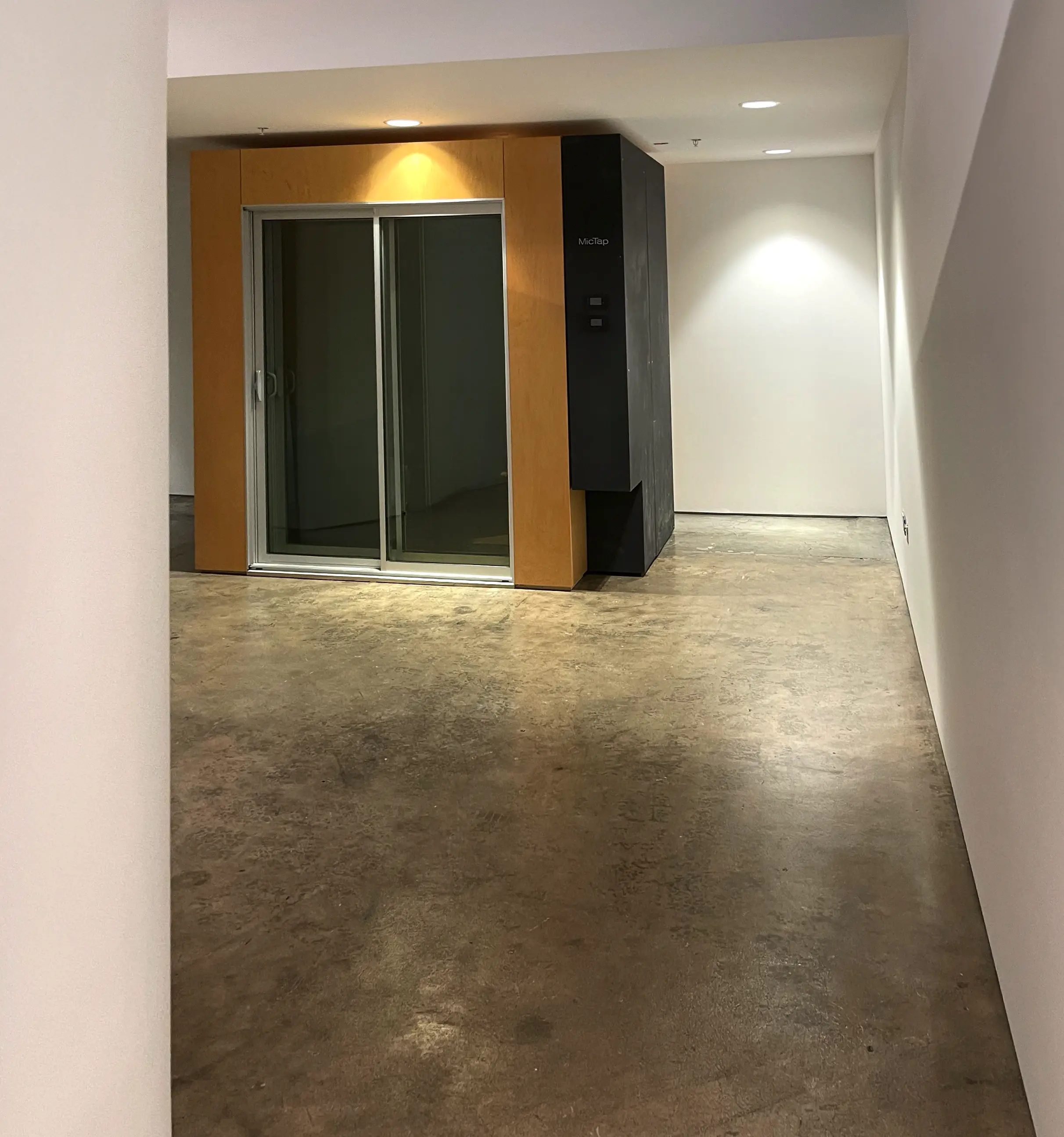
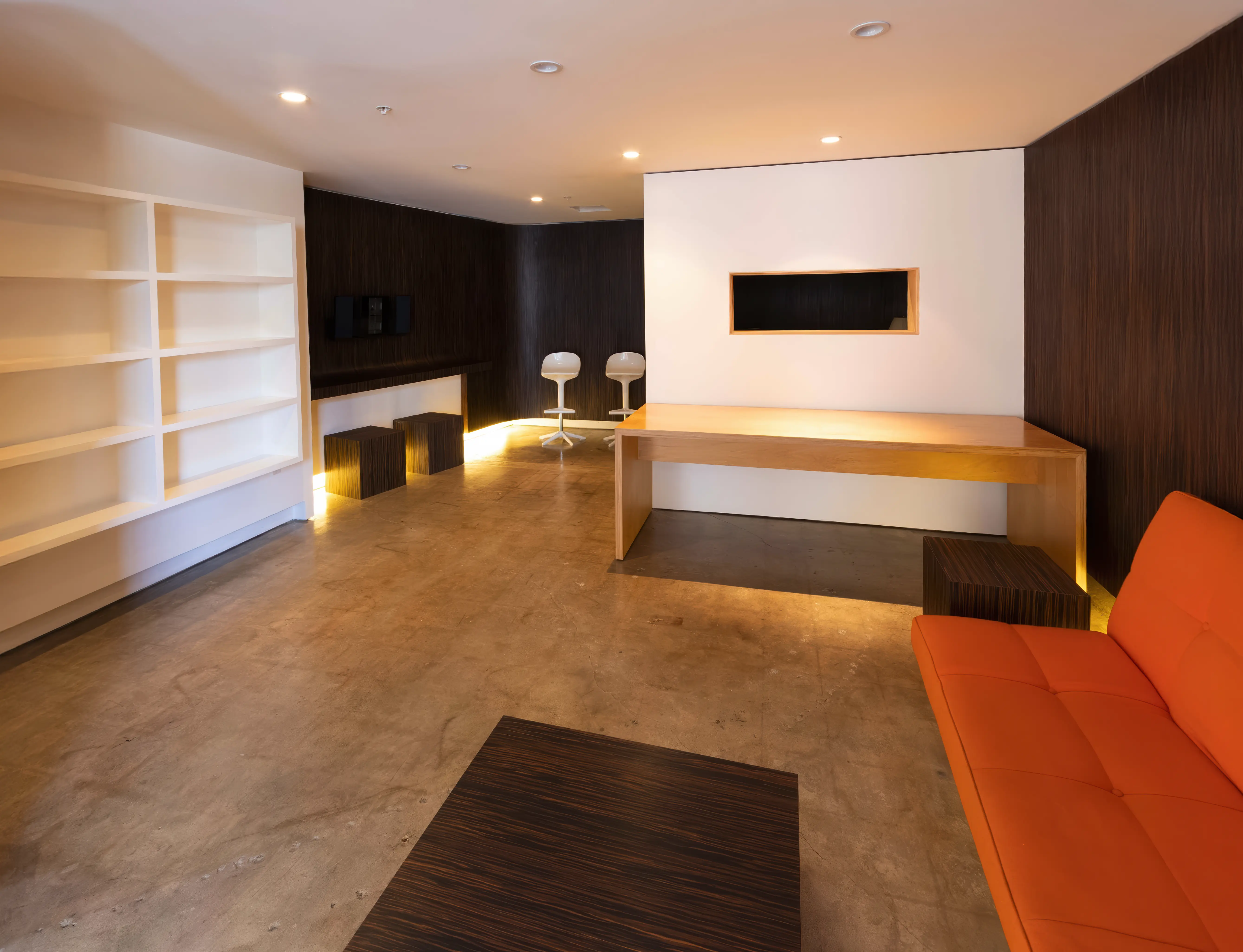
Podcast Studio 2 — The Lounge
Podcast Studio 3 — The Set
Can I reschedule my bookings?
Yes! As many times as you like! Your booked session never expires as long
as you reschedule at least two hours in advance.

What happens if I run over my booked time?
If your session runs over and our schedule permits, you can simply keep
recording. Overtime is billed in 15-minute increments and charged
automatically to the card you used when booking. It’s seamless—no
interruptions and no extra steps on your end.

What's is your refund policy?
You can cancel your purchase for a full refund with at least two hours’ notice
before your booked time. Call us at (310) 581-2481 or email us here

2

You will need:

• A computer
• USB microphone
• Headphones
• Google Chrome browser
• Internet service

3

Find a quiet place at home
with as little echo as possible.

There is no need to worry
about other background noise
as we have the technology
to take care of that.

4

MicTap will email you a link
with instructions on how to
set up the Chrome browser
and connect.

No special software is required.

5

We'll add all parties to the
session, and the client will
be able to supervise as usual.

6

MicTap will be recording
you at broadcast quality.

7

Contact us if you would
like help with your setup.

hello@mictap.com